


Reducing Business Liability With Security Cameras and Lower Insurance Costs
Updated: 1 day ago
Security-system discounts for businesses usually range from 5% to 20%. For businesses focused on reducing business liability with security cameras, the potential value goes beyond a lower premium: recorded footage can help clarify incidents, support claims, and inform risk-management decisions. A camera system can strengthen an insurance discussion, while the discount itself depends on the insurer’s terms.
Lower insurance costs matter, but so does having a reliable record when an injury, dispute, or property loss occurs. This article explains how surveillance may support insurance savings, improve workplace safety and compliance, and document events for claims. It also explores how cameras can work with access control and alarm systems, and why thoughtful placement and clear workplace policies matter. Together, these measures can help businesses take a more structured approach to security and liability, without treating cameras as a substitute for broader risk planning.
Table of Contents
How Can Video Surveillance Lower Insurance Costs?
Security-system discounts for businesses usually range from 5% to 20%. A well-designed surveillance plan can strengthen an insurer discussion by documenting security improvements and helping address risks. It cannot guarantee lower premiums, since insurers assess each business’s risk and security measures.
To make camera coverage relevant to insurance discussions, connect it to specific liability scenarios. A restaurant might prioritize entrances, dining areas, and service counters to document customer incidents. A warehouse could focus on loading docks, stockrooms, and vehicle routes. A retailer may need clear views of cash registers and sales floors. These examples show how coverage supports risk management, rather than simply adding cameras.
Start with locations where an incident could lead to a claim, injury, property loss, or dispute. Then map camera views to those areas, including entrances, exits, customer-facing spaces, and employee work zones. Check that shelves, doors, and equipment don’t create blind spots. A camera aimed at a doorway, for example, can record who entered and when, while a view of a service area may help clarify a customer injury.
What security camera systems are best for small businesses versus large businesses? Small businesses often benefit from focused coverage of key areas, such as entrances and cash-handling zones. Larger businesses, especially those with multiple locations, may need centralized platforms to manage cameras, review footage, and receive alerts across sites.
Choose features to suit each space and its evidence needs. High-definition video can make events easier to review, while motion detection can focus recording on activity. Remote access supports review when managers aren’t on site. Cloud storage can help preserve footage, while local recording offers an on-site option. When researching hardware options and feature comparisons, tech review sites like suggestmetech.com can help evaluate available equipment. Base storage choices on coverage needs, access practices, retention policies, and how quickly staff must retrieve recordings.
Commercial security needs vary by business type. A shop may prioritize entrances, registers, and inventory; a warehouse may focus on loading areas and restricted zones. For outdoor worksites and active building projects requiring standalone monitoring, options such as jobcam.com.au provide solar-powered camera towers. An office could cover public entry points and sensitive work areas. A parking lot camera may help document vehicle-related incidents. Layouts should reflect actual risks and workflows, not a one-size-fits-all camera count.
Workplace surveillance also requires careful planning. Under NLRA Section 7, employees have rights to discuss workplace conditions and participate in union-related activity. Employers shouldn’t use cameras to monitor, intimidate, or interfere with protected activity. Before finalizing camera placement, verify workplace requirements with the state labor board or employment counsel. A written policy can explain monitoring purposes, camera locations, footage access, retention, and whether devices capture audio.
Once coverage is planned, document the improvements for the insurer, including the areas covered and system capabilities. Keep the camera layout, relevant policies, and footage-management practices together. This gives the insurance discussion specific information about the business’s surveillance approach and the liability scenarios it addresses.
In what ways do surveillance systems enhance safety and compliance?
Camera systems can reveal safety gaps, document incidents, and support consistent workplace procedures. Their limitations include blind spots, missing footage, privacy risks, and delayed responses. Cameras alone cannot prevent every incident or establish liability.
Monitoring Theft and Unauthorized Access
Surveillance monitoring uses camera views to observe activity, record events, and help identify unauthorized entry. Visible cameras at entrances, exits, cash-handling areas, and stockrooms can discourage theft and vandalism while documenting incidents. Pairing footage with access logs helps establish when someone entered a restricted area. For example, a stockroom recording can help managers investigate missing inventory and refine access procedures.
Monitoring Workplace Safety
Camera views can help managers identify hazards and assess whether employees follow established safety procedures. Monitor blocked exits, unsafe equipment use, restricted-area entry, and hazardous traffic patterns. Footage of near-misses can reveal recurring conditions, such as a delivery route crossing a busy work area, and inform training changes. OSHA explains that employers have a responsibility under the OSH law to provide a safe workplace. Surveillance can support documentation and safety reviews, but it doesn’t replace hazard controls, training, or direct supervision.
Privacy Policies and Laws
A video-monitoring policy sets expectations for where cameras operate and how recordings are handled. Keep cameras out of spaces where employees reasonably expect privacy, including restrooms, locker rooms, changing rooms, medical rooms, and prayer rooms. Under NLRA Section 7, employees have rights to discuss workplace conditions and take part in union-related activity. Don’t use cameras to monitor, intimidate, or interfere with protected activity.
Document monitoring purposes, camera locations, footage access, retention practices, investigation uses, and whether devices capture audio. Notify employees in writing and post visible signs at entrances and monitored zones. These steps clarify the purpose and boundaries of workplace surveillance, while privacy-law compliance remains central to responsible monitoring.
Real-Time Monitoring and Incident Response
Remote viewing and alerts can help staff notice unusual activity, movement in restricted areas, or after-hours access attempts. A notification is useful only when someone knows who reviews it and what response follows. Set clear responsibilities for assessing an alert, preserving relevant footage, and recording actions taken. Video verification can also help determine whether an alarm needs immediate attention.
For instance, an alert for movement near a closed loading area can prompt a review of the camera view and access record. CISA identifies surveillance systems, lighting, access control, and monitoring as physical security measures that can reduce opportunities for crime and improve security planning. Combining these measures supports a coordinated response, while incident documentation can inform later safety reviews and insurance discussions.
Camera coverage can strengthen safety oversight, but incomplete views, unclear policies, or unreviewed alerts leave operational gaps. A structured workplace surveillance plan can align monitoring with business risks, privacy boundaries, and response responsibilities.
Using video evidence to defend against false claims
Cameras can discourage questionable conduct and create an objective record that helps businesses assess incidents and respond to lawsuits. Footage can document customer injuries, employee accidents, property damage, theft, vandalism, and unauthorized access.
Documenting Liability Claims
Recorded video captures incident details that written reports or recollections may not establish. A time-stamped view can show the sequence of events, people involved, property damage, and surrounding conditions. For example, footage may show whether a floor was wet, warning signage was visible, or a customer entered a restricted area. Businesses can preserve relevant recordings and compare them with incident reports, witness accounts, and maintenance records. This documentation helps investigators evaluate claims and resolve disagreements about what occurred.
Deterring and Challenging False Claims
Visible cameras can discourage staged incidents and provide evidence when a claim conflicts with recorded activity. A business can compare a reported slip-and-fall with footage showing the area before and after the event. Video may also help assess claims of fabricated workplace injuries or exaggerated customer complaints. Preserve the original recording and document who accessed it. Footage should inform a fair investigation, not replace one; gaps in coverage or unclear images may leave important questions unanswered.
Insurance Claims and Risk Profiles
Insurers assess business risk using factors such as business type, location, claims history, property value, and security measures. A documented security system can show how a business monitors risks and responds to incidents. Clear footage may help investigators establish events and reduce disputes, supporting a more efficient claims review. Keep incident records alongside relevant footage, including dates, locations, and response actions. This organized evidence gives insurers context for evaluating a claim and the business’s broader risk profile.
Break-Ins, Robberies, and Claims
Visible surveillance can discourage theft and suspicious activity around entrances, cash registers, stockrooms, and parking areas. U.S. Department of Justice-supported research found that video surveillance can reduce certain property crimes, particularly vehicle-related theft and crimes in parking areas. If a break-in or robbery occurs, recordings may help document entry, property damage, and the sequence of events. Businesses can use those details to support insurance claims, identify security gaps, and adjust monitoring or access procedures. These prevention measures may help reduce future losses and related disputes.
Integrating cameras with access control and alarms
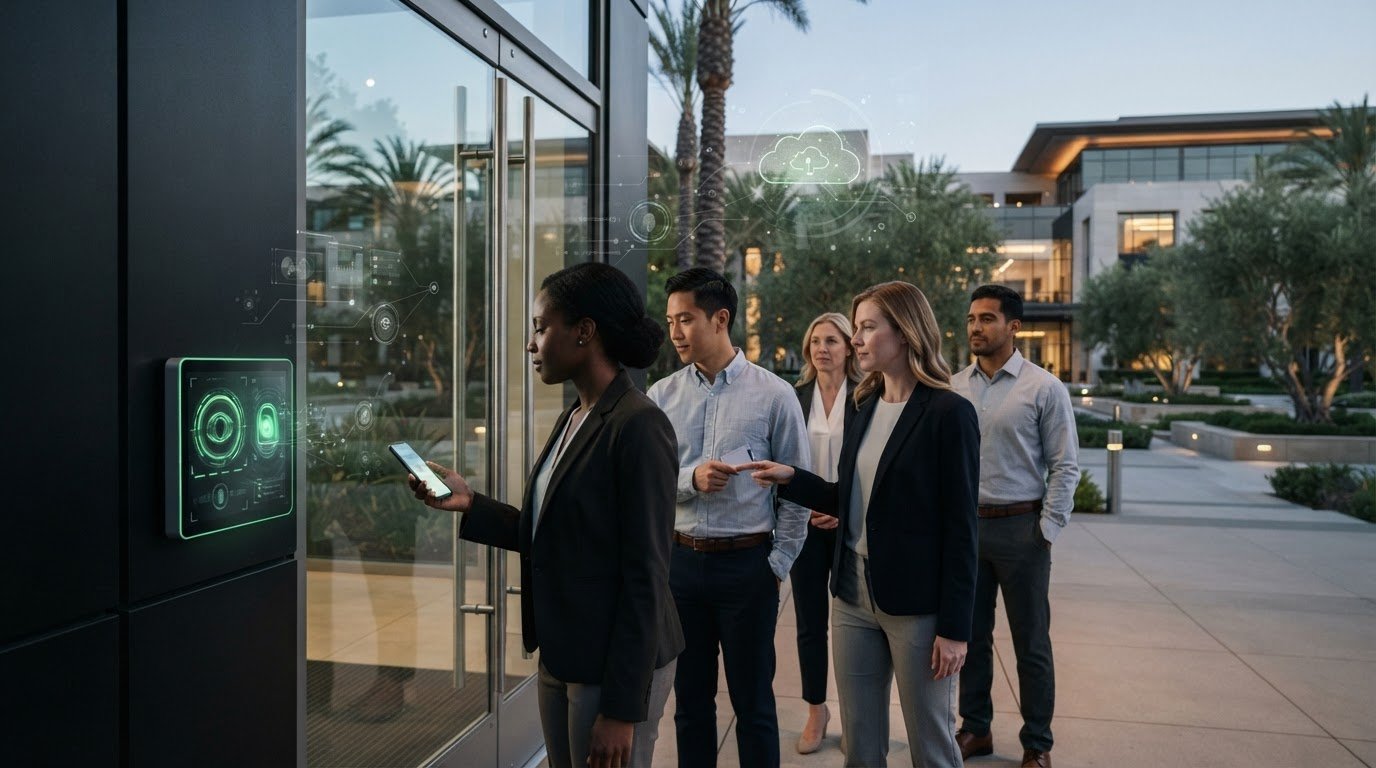
Connecting cameras with access control and alarms gives staff more context during security events. A camera can show what happened near a door, while an access log records a credential’s use. When an alarm activates, video verification can help determine whether the signal requires immediate action. These connected records can clarify disputes, support incident reviews, and help protect your business without relying on a single source of information.
Access control systems restrict entry to help prevent internal theft and unauthorized activity. Linking them with camera coverage lets managers compare access events with visible activity. For example, if a badge opens a stockroom door, related footage can help establish who entered and what followed. This connection is useful for sensitive areas such as inventory storage, cash rooms, or restricted work zones. It can also help identify access patterns that need operational attention.
Alarm integration adds another layer of context. If a door sensor triggers after closing, staff can review nearby footage and assess the event before deciding on a response. Some insurers may require cameras to connect to a 24-hour central alarm station, allowing operators to dispatch emergency services if a failure occurs. That requirement depends on the insurer’s terms. Integrating alarms, access events, and video can help distinguish routine activity from an incident requiring attention.
Cloud storage and remote access can make relevant footage easier to review when managers aren’t on site. A centralized platform can help staff manage cameras across locations, review recordings, and receive alerts. Storage design should account for which areas need recording, who can retrieve clips, and how long footage needs to remain available. A loading-dock accident, for instance, may require footage from the dock and adjacent vehicle route.
Clear footage-handling procedures make recordings more useful during claims or disputes. Assign access to authorized roles, record why footage was reviewed, and preserve relevant clips when an incident occurs. A written policy should describe access, retention, investigation uses, and whether devices capture audio. These controls reduce unnecessary viewing and help staff handle recordings consistently. They also support responsible operations by distinguishing routine monitoring from evidence preservation.
Integration works best when each component has a defined purpose. Cameras document activity, access control records entry, and alarms signal events that need review. Map those functions to business risks, such as unauthorized entry, theft, or an employee accident near a restricted area. Then establish who receives alerts, who reviews footage, and how staff document their response. This coordinated approach creates a clearer record and supports a more organized security process.
Security planning and liability reduction
A security system reduces liability risk most effectively when it supports a broader plan, rather than simply recording. Start by identifying likely incidents, the locations involved, and how staff should respond. For example, a loading area may need clear camera coverage, safe traffic routes, and a process for reporting near-misses. This proactive approach makes surveillance cameras one part of risk management.
Build a risk map around actual business operations. Mark customer areas, cash handling, inventory, entrances, loading docks, and sensitive work zones. Then identify what could happen in each space, such as a blocked exit, unauthorized entry, or customer fall. CISA identifies surveillance, lighting, access control, and monitoring as physical security measures that can reduce opportunities for crime and inform security planning.
For each priority location, define what the camera needs to establish. A sales-floor view might document whether warning signage was present after a spill. An access-point view could record activity around a restricted room. Check for obstructions and changing layouts, since shelves, displays, or equipment can create blind spots. Review coverage when operations change, such as when a new stock area or delivery route is introduced.
Planning also means deciding how staff will use footage after an incident. Assign roles for reviewing recordings, preserving relevant clips, and documenting actions. A written workplace policy should state monitoring purposes, camera locations, footage access, retention, investigation uses, and whether devices capture audio. Notify employees in writing and use visible signage at entrances and monitored zones. These steps help make surveillance practices understandable and consistent.
Privacy and employment considerations belong in the plan before installation. Avoid cameras in spaces where employees reasonably expect privacy, including restrooms, locker rooms, changing rooms, medical rooms, and prayer rooms. Under NLRA Section 7, employees have protected rights involving workplace conditions and union-related activity. Don’t use surveillance to monitor, intimidate, or interfere with those activities. California’s Invasion of Privacy Act is an example of strict audio-consent law, so audio recording requires particular care.
Maintenance is part of liability planning, too. Test that cameras record usable views, review coverage after changes, and address equipment problems that could leave gaps. A recording system that fails during a claim cannot document what happened. Preserve relevant footage promptly and restrict access to authorized personnel. These practices can strengthen incident records and help managers identify recurring hazards, such as repeated near-misses on one route.
For a plan that aligns camera coverage with business risks and operational needs, explore commercial video surveillance planning.
Digital-Vision.AI: Video Surveillance Systems
Digital-Vision.AI helps businesses plan video surveillance around liability risks, safety priorities, and operational needs. Turn to its Consulting Services when assessing camera placement, evidence needs, or gaps in existing coverage. Video Surveillance Systems can be integrated with Access Control Solutions and Alarm Services to connect recorded activity with entry events and alerts. Integration Services support a coordinated security setup, while Maintenance & Support helps keep systems operating as intended.
For businesses refining a security plan or preparing for an installation, Digital-Vision.AI can help align system design with the locations and incidents that matter most. Contact Digital-Vision.AI to discuss your business’s security needs.
Make Your Next Security Decision More Deliberate
The next step is to turn risk concerns into a clear security brief. Identify the areas that matter most, the incidents you need to document, and how staff should respond when a system flags activity. This gives your business a practical basis for deciding where coverage and procedures need attention. A considered approach to reducing business liability with security cameras treats technology as part of ongoing risk management, not a standalone fix.
Digital-Vision.AI can help translate those priorities into a coordinated plan using Video Surveillance Systems, Alarm Services, and Access Control Solutions. The right configuration should reflect your operations, evidence needs, and monitoring policies, giving your team a clearer view of its security priorities.
Contact Digital-Vision.AI to discuss a security plan for your business. A thoughtful next step can help you build a more informed approach to protection and liability.
Frequently Asked Questions
What Is a Video Surveillance System and Why Does It Matter for Liability?
A video surveillance system uses cameras and recording equipment to capture activity in selected business areas. It matters for liability because a recording can help establish the sequence of events when accounts conflict. For example, footage may clarify whether a delivery entrance was obstructed before an accident. As part of reducing business liability with security cameras, businesses should align coverage with real risks and handle recordings under clear policies.
Which characteristics are most helpful in lowering liability?
Useful characteristics include high-definition video, motion detection, remote viewing, and storage that supports timely footage retrieval. Intelligent analytics can also help identify activity for review. These features work best when coverage clearly captures the relevant area, such as a customer walkway or loading entrance. A written process for reviewing and preserving recordings matters, too, because usable footage depends on both system performance and consistent handling.
Which kind of businesses benefit the most?
Businesses with frequent customer visits, valuable inventory, cash handling, or restricted work areas often have clear reasons to use video surveillance. Retail stores, restaurants, warehouses, and offices can tailor coverage to different exposure points. A shop in Beverly Hills, a warehouse in Orange County, or an office in Irvine may prioritize different areas based on its operations, visitor access, and incident history.
Why Do Insurance Companies Give Secured Businesses Lower Premiums?
Insurers evaluate risk factors such as business type, location, claims history, property value, and security measures. Cameras can contribute to a documented security plan and help clarify incidents, which may support an insurer’s assessment. Discounts for businesses with security systems usually range from 5% to 20%. The potential savings relate to the insurer’s view of risk and the specific security improvements documented by the business.
Are businesses legally required to post video surveillance notices?
Notice requirements can depend on state rules and the circumstances of monitoring, so businesses should plan for transparent notice. Written employee notification and visible signs at entrances and monitored zones are recommended practices. Signs can identify monitored areas, while an employee policy can explain monitoring purposes and footage handling. Before deployment, employers should verify workplace camera requirements with their state labor board or employment counsel.
What federal and state laws govern workplace security cameras and employee privacy?
Workplace camera rules can involve federal labor protections and state privacy laws. Under NLRA Section 7, employees have rights to discuss workplace conditions and participate in union-related activity; monitoring must not interfere with those rights. State rules also affect privacy expectations and audio recording. Employers should define camera purposes and locations in a written policy, then assess applicable federal and state requirements before deployment.
Can businesses record audio on security cameras, and what consent laws apply?
Audio recording raises distinct consent concerns and should not be treated like silent video monitoring. California’s Invasion of Privacy Act is an example of a strict audio-consent law, and recording confidential conversations without proper consent creates significant risk. Businesses should state whether cameras capture audio in their monitoring policy and limit recording to a clearly defined business purpose. Camera placement and audio settings should reflect that policy.
How long should a business retain security camera footage?
There is no single retention period that fits every business in the information covered here. Set a retention schedule based on operational needs, applicable rules, storage capacity, and the time required to identify incidents. For example, footage connected to an injury, complaint, or insurance claim should be preserved under the business’s evidence-handling process. Limit access and document retention practices in the written surveillance policy.

Comments