


Remote Access Security for Irvine Homeowners: 2026 Guide
When you check your home remotely, the camera is only part of the security picture. Account access, user permissions, and system configuration all affect who can view footage or control devices. For remote access security for homeowners Irvine, a well-planned system balances convenient access with clear safeguards.
Using an app can raise practical questions: Who can sign in? What happens if the internet connection drops? Which actions should household members be able to take? Rather than adding every available feature, consider how accounts, permissions, connectivity, and connected devices work together in your home.
This guide explains how to assess remote access, compare camera viewing with alarm and entry management, and plan for connectivity interruptions. You’ll also learn how professional integration can bring video surveillance, alarms, and access control into a residential security design tailored to your Irvine property.
Table of Contents
What Remote Access Security Means for Irvine Homeowners
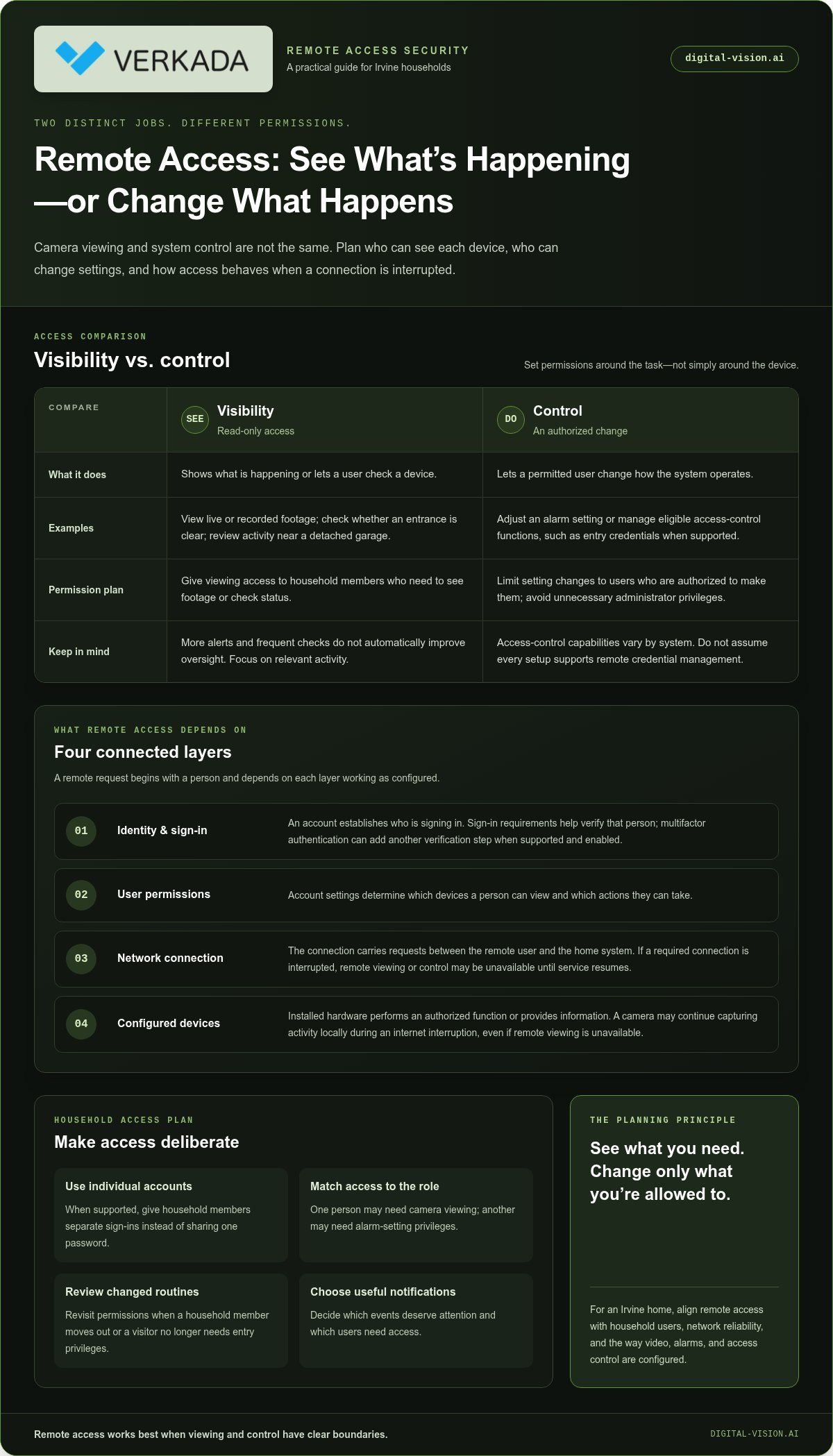
Remote access security is the authorized ability to view or interact with connected home security devices while away from home. It can provide visibility, such as checking a camera, or allow a permitted action, such as adjusting an alarm setting. Available functions depend on the system’s design and configuration. Plan access around who needs to see or control each device.
Viewing footage is not the same as changing a setting. Checking whether a side entrance is clear is a read-only activity; arming an alarm or managing an entry credential changes how the system operates. A useful remote access policy defines who can connect and which actions each person is authorized to take. For a household, assign access deliberately instead of giving every user administrator privileges.
Which parts of a home security system can be accessed remotely?
Depending on the system and its configuration, remote functions may include viewing live or recorded camera footage, checking alarm status, or managing eligible access-control functions. A homeowner might check the front entry, review activity near a detached garage, or confirm whether an alarm is armed. Access-control capabilities vary, so don’t assume every setup allows users to manage entry credentials remotely.
Think of these capabilities in two groups: visibility helps you understand what’s happening, while control lets an authorized user make a change. This distinction helps determine which household members need viewing access and who should be able to alter settings. It also helps when planning an integrated system across video surveillance, alarms, and access control, since each component may work differently.
When does remote access matter to Irvine households?
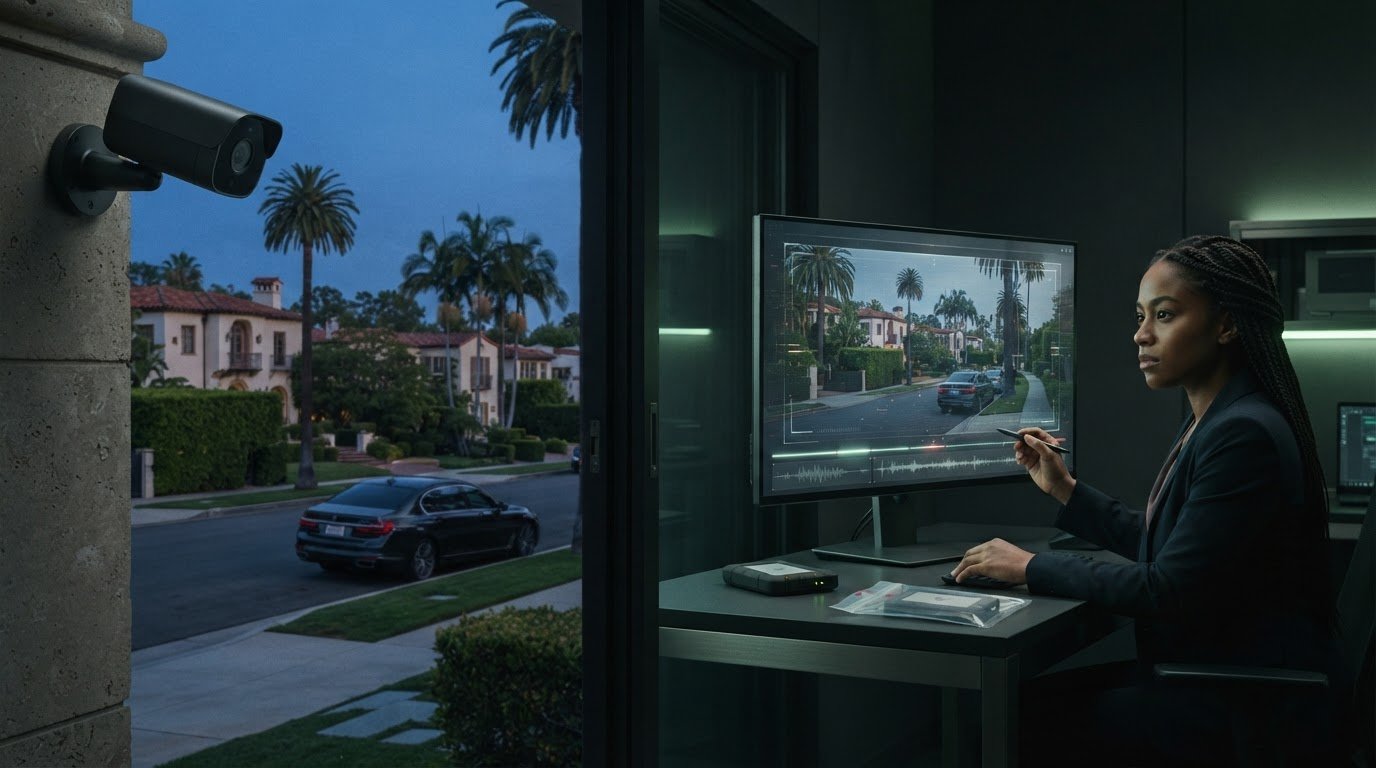
Remote access can be useful during a trip, when a delivery is expected, or when household routines change. You might check the entry after a package arrives, confirm the alarm’s status before leaving town, or review a camera view when a family member’s schedule differs from usual. For an unoccupied home, a purposeful check provides visibility without requiring someone to be on site.
More alerts and more frequent checks don’t automatically improve oversight. Unnecessary notifications can make relevant activity harder to notice, while constant camera checking may add little to your routine. Decide which events deserve attention and which users need access. The right balance supports convenience while keeping remote actions measured and intentional.
For remote access security for homeowners Irvine, the goal isn’t to put every security function on a phone. It’s to define what you need to see, what you may need to change, and who should be able to do each. That gives Irvine households a practical starting point for evaluating remote access as part of a professionally designed security system.
How Remote Access Security Works: Accounts, Devices, and Connections
A remote command starts with a person, not a camera. The homeowner signs in using the access method configured for the security system. Account permissions determine which connected devices and actions are available. A network connection carries the request between the remote user and the system, and the installed hardware performs or reports the requested function.
Remote security depends on several layers: identity, permissions, connectivity, and properly configured devices. If one layer changes, the experience can change too. A camera may continue capturing activity locally while an internet interruption prevents remote viewing. Understanding this distinction helps set realistic expectations for remote access security for homeowners Irvine.
Identity: The account establishes who is signing in.
Authentication: Sign-in requirements help verify that person. Multifactor authentication can add another verification step when supported and enabled.
Permissions: Account settings determine what the user can view or change.
Connection and hardware: The network carries remote requests, and configured security devices respond or provide information.
How accounts and permissions shape remote access
When the system supports individual accounts, give each household member a separate sign-in instead of sharing one password. Unique accounts make it easier to assign appropriate access, such as camera viewing for one person and alarm-setting privileges for another. Use strong authentication, enable multifactor authentication if available, and avoid granting administrative control when narrower permissions will do.
Review access when a household role changes, such as when a family member moves out or a regular visitor no longer needs entry privileges. Adjusting permissions keeps access aligned with current routines. Clear account and connectivity planning is also part of a unified security ecosystem integration guide.
What connectivity and integration mean for remote control
Off-site viewing and commands rely on a working connection between the authorized account and the security system. If home internet or another required connection is interrupted, remote viewing or control may be unavailable until service resumes. That doesn’t necessarily mean every device stops operating locally. Behavior during an interruption depends on the equipment and configuration.
Consider remote access alongside the system’s on-site functions. A professionally integrated design can coordinate video surveillance, alarms, and access control while accounting for how each component connects and operates. A tailored home security assessment can help map household priorities to account roles, connected devices, and practical expectations for remote access.
Compare Remote Security Access Options for an Irvine Home
Remote access options differ in what they let you see, manage, and coordinate. A camera-focused setup may suit a household that mainly wants visibility at selected entrances. A home with an alarm and managed entry points may benefit from considering those functions together. Compare options against daily needs and existing equipment, not by looking for the longest feature list.
Camera viewing, alarm control, and access management compared
Camera viewing is primarily about visibility, while alarm control and access management can change how the system operates. For remote access security for homeowners Irvine, match permissions to household roles. For example, a relative who needs to check a camera view may not need authority to change alarm settings or manage an entry credential.
When does an integrated system make more sense?
Standalone access can be practical when a household wants to use a particular device independently, has limited remote needs, or already has equipment that works well for its purpose. An integrated approach may make sense when homeowners want to coordinate cameras, alarms, and access control across several parts of the property. Neither arrangement fits every home automatically. The choice depends on the devices, routines, and oversight the household wants.
Integration can simplify oversight by bringing related functions into a coordinated design, but it takes careful planning. Consider which entrances matter, who needs access, what equipment is already installed, and how the components should work together. For camera placement and system context, explore this AI security camera installation guide.
Choose remote functions based on who needs access and what they need to do, not on feature count. A tailored residential security assessment can help map those priorities to video surveillance, alarm, and access-control design.
Evaluate Remote Access Security Before Installing It in Irvine
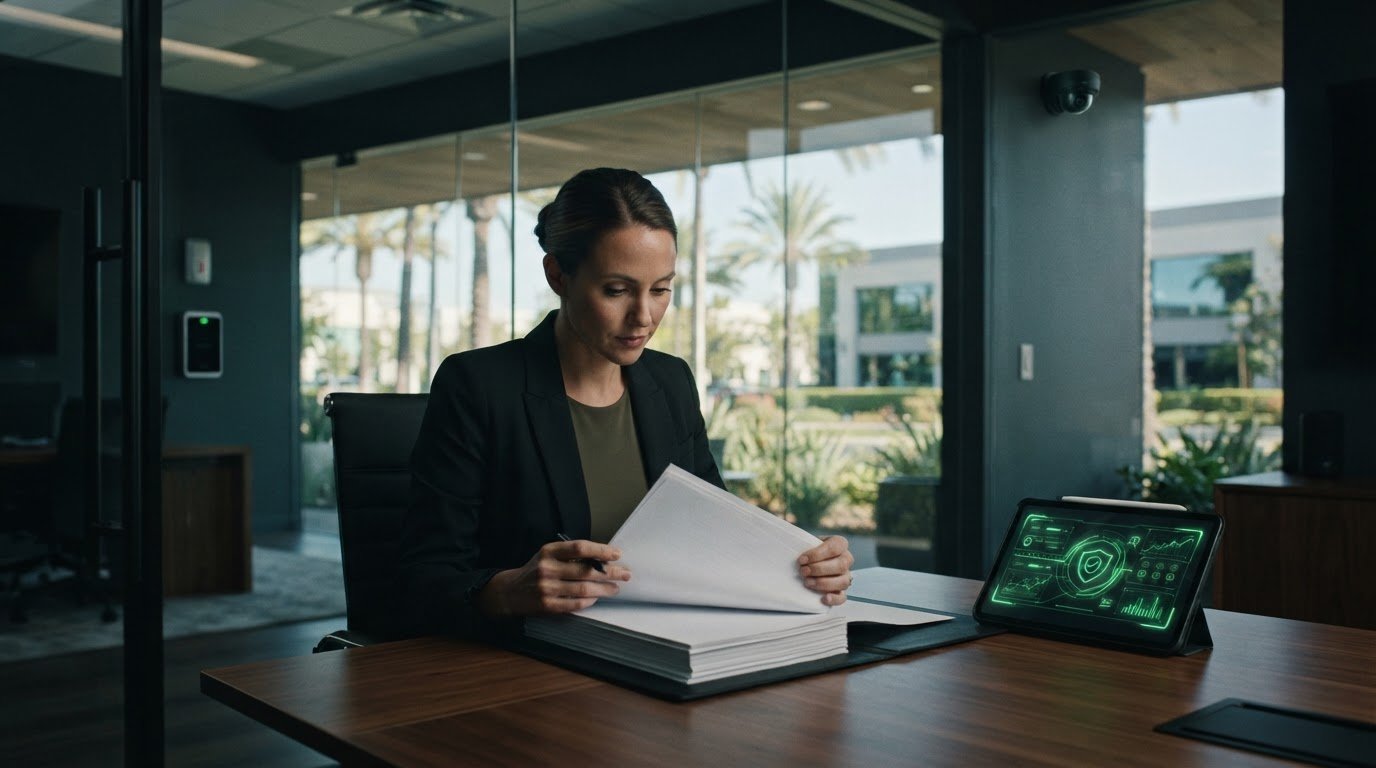
A useful assessment starts with the property and the people who use it, then turns those needs into clear system requirements. This helps Irvine homeowners distinguish areas that need camera visibility from doors that may require managed entry, while accounting for existing equipment and expectations for remote access.
Map the property and the people who need access
Walk through the home and note the locations you want to monitor or manage. Irvine homes vary in layout, so base the plan on your property rather than assumptions about a neighborhood. A front door, side gate, driveway, or detached garage may each call for a different function. Camera coverage provides visibility; access control determines who can enter and which permissions they need.
List priority areas. Mark entrances, outdoor approaches, and other locations where camera viewing could be useful. Separately note where managing entry matters.
Record existing equipment. Identify current cameras, alarm components, and access-control devices. This gives the installation plan a clearer picture of what may be coordinated.
Identify users and roles. Write down which household members need remote access and what they need to do. Consider separate accounts and limited permissions rather than giving everyone the same level of control.
Set remote-use priorities. Decide which tasks are genuinely useful while away, such as checking a camera view or reviewing alarm status. This keeps the design focused on household routines.
Review reliability, privacy, and ongoing support
Consider how remote functions depend on connectivity and how the household should respond if internet access is interrupted. Plan around what installed devices can continue doing locally and which remote features may be unavailable until a connection returns. Also decide how accounts and permissions should be reviewed when household roles change.
Plan notifications. Decide which events warrant an alert and which would create unnecessary interruptions. Notifications should fit household routines, not encourage constant checking.
Define camera boundaries. Review intended camera views and avoid capturing areas beyond the home’s security needs. Because California privacy guidance can change and may depend on the circumstances, verify current guidance before making decisions about camera placement or recording.
Plan managed entry. For doors with access permissions, consider who needs entry and how those permissions will be maintained. A tailored access control installer guide can help frame that planning.
Consider ongoing support. Include maintenance and technical support in the long-term plan so the system can be reviewed as household needs and equipment change.
This checklist gives remote access security for homeowners Irvine a practical starting point: a property map, a list of existing devices, defined user roles, and realistic expectations for connectivity and privacy. Request a residential security assessment to turn those priorities into a professionally designed plan for your home.
Plan a Professionally Integrated Remote Security System in Irvine
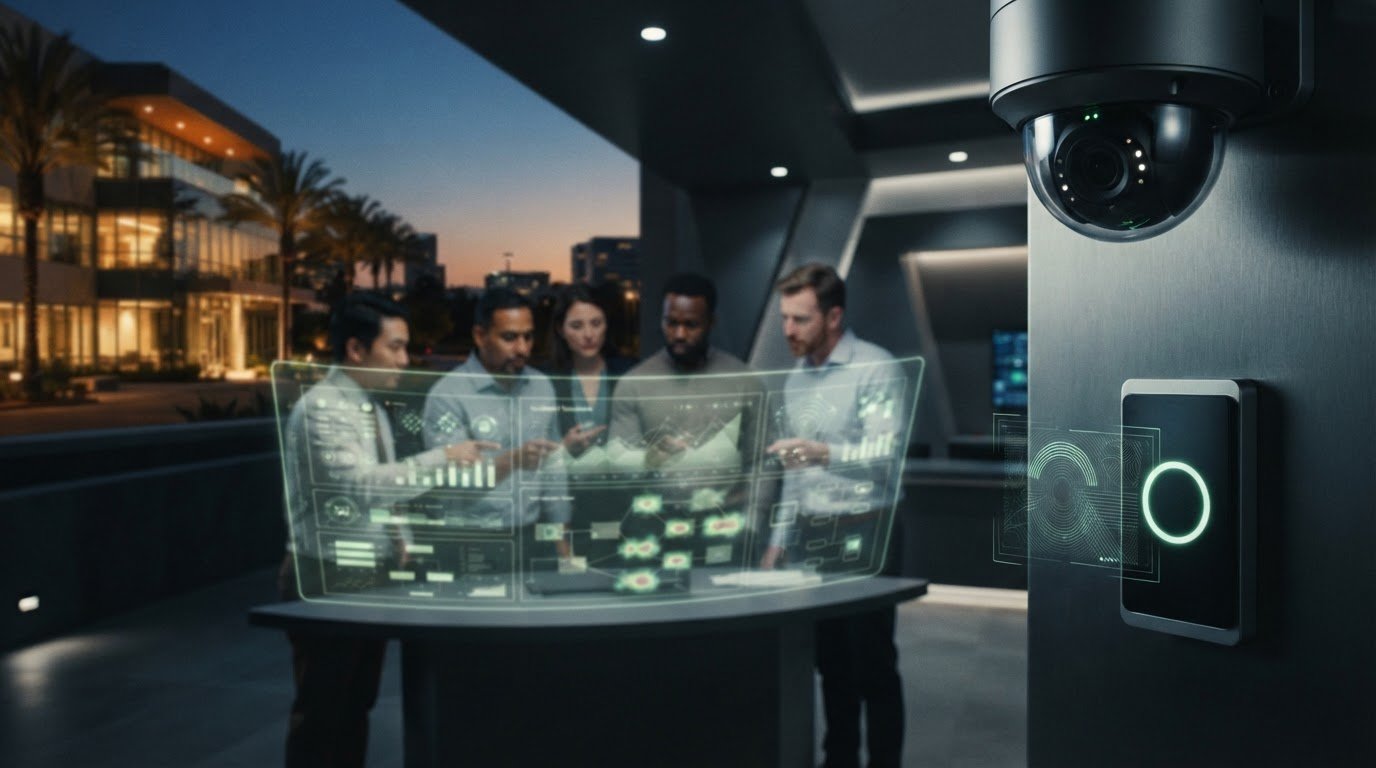
A professionally integrated system starts with household needs, not a preset collection of devices. A tailored assessment can turn priorities such as checking selected areas, managing alarms, or controlling entry into a design that reflects the property, existing equipment, and intended users. For remote access security for homeowners Irvine, this planning aligns remote functions with the way the household lives.
What a tailored assessment and installation should address
Digital-Vision.AI assesses the property and household priorities to shape a residential design around relevant video surveillance, alarm, and access-control components. The plan can account for which areas need camera coverage, where alarm protection fits, and which entries require managed permissions. For broader context on structuring an assessment, see this security consulting guide.
Professional installation and configuration bring the selected components together. The system is tailored to the home rather than assuming every property needs the same layout or remote functions. Configuration should reflect who will use the system, what each person needs to access, and how the components are intended to work together. This gives the household a clearer operating plan.
Property and equipment: Review entrances, priority views, and existing security devices as the foundation for system planning.
Household priorities: Identify which remote tasks matter, such as reviewing selected camera views or managing alarm and entry functions.
System coordination: Integrate relevant video surveillance, alarms, and access control into a cohesive residential design.
Configuration: Set up the system to reflect household users, their roles, and the intended use of connected components.
For Irvine homeowners, a considered design can account for property features such as a detached garage, side entrance, or multiple household access points. Give each location a defined purpose in the plan. A camera view supports awareness, while access-control permissions manage entry; the design should make those roles clear.
How support helps keep remote access dependable
Installation is one part of a system’s lifecycle. Maintenance and technical support help address equipment or configuration concerns, while a planned review can keep the setup aligned with changing household needs. Clear account ownership also helps: designate who manages access, and review permissions when a household member’s role changes.
With professional integration, installation, and ongoing support, remote access becomes part of a considered residential security design rather than an isolated phone feature. Irvine homeowners can request a free security assessment to explore a solution tailored to their property and priorities.
Make Your Remote Security Plan Work for Your Home
Turn your priorities into a clear plan: what you want to see while away, which actions should be available remotely, and who in your household needs access. This gives the system design a practical starting point and keeps convenience aligned with how you use your home. A thoughtful approach to remote access security for homeowners Irvine can also adapt as household routines evolve.
Digital-Vision.AI can translate those priorities into a tailored design, with AI-powered video surveillance and intelligent analytics, integrated alarm and biometric or RFID access-control solutions, plus maintenance and technical support. The aim is a considered setup that fits your property, rather than adding functions for their own sake.
Ready to plan with your home in mind? Request a free security assessment for your Irvine home and take the next step toward remote oversight designed around your needs.
Frequently Asked Questions
Can multiple household members have separate remote access accounts?
Yes, if the system supports individual accounts, household members can have their own sign-ins and permissions. For remote access security for homeowners Irvine, separate accounts help distinguish everyday viewing from actions such as changing alarm settings. One person might need camera access while another manages system settings. Avoid sharing credentials where individual accounts are available, and review access when someone’s responsibilities at home change.
What happens to remote access if my home internet connection goes down?
Remote viewing and commands may be unavailable while the connection required for off-site access is down. The effect on devices inside the home depends on the equipment and its configuration. Some components may continue local functions, while features that rely on a network may not. Check how your system reports a connection interruption, and use its local controls as directed in the system documentation.
Can a house sitter receive temporary access to my security system?
A house sitter may receive limited access if your system supports separate users or temporary permissions. Set access around the sitter’s responsibilities, such as viewing a relevant camera or managing an alarm, and define when it should end. If the system doesn’t provide automatic expiration, plan to remove the account or permission after the visit. Avoid sharing your primary account credentials.
Can I access my home security system while traveling outside the United States?
Access depends on the system’s configuration, the remote service it uses, and internet connectivity at both ends. Before departure, test the functions you expect to use, such as viewing a camera or checking alarm status. Make sure you can sign in securely and access any required account verification method while traveling.
Can remote access work with security equipment I already have?
That depends on the equipment’s capabilities and how it connects with the rest of the system. A compatibility assessment can review device types, connections, age, and the remote functions you want, then identify what may fit into a broader design. Some equipment may work independently, while other components may need replacement or a different configuration. An assessment helps clarify practical options before installation planning.
Do I need facial recognition for remote home security access?
No. Remote access means connecting to security functions while away from home; facial recognition is a separate identity-related capability and isn’t required for remote viewing or control. A system can use other sign-in methods, depending on its configuration. Consider what you need the system to do first. If you’re evaluating biometric entry, treat it as a distinct access-control decision, not a requirement for remote use.
How can I tell whether my remote security system needs maintenance?
Repeated sign-in or access failures, unexpected device alerts, or a camera or alarm that stops reporting as expected can indicate that a system needs attention. Note which device or function is affected and when the issue began. If it continues, a professional system check can help identify whether the cause involves equipment, configuration, or connectivity. Routine maintenance and technical support can help keep an installed system operating as intended.
Comments